
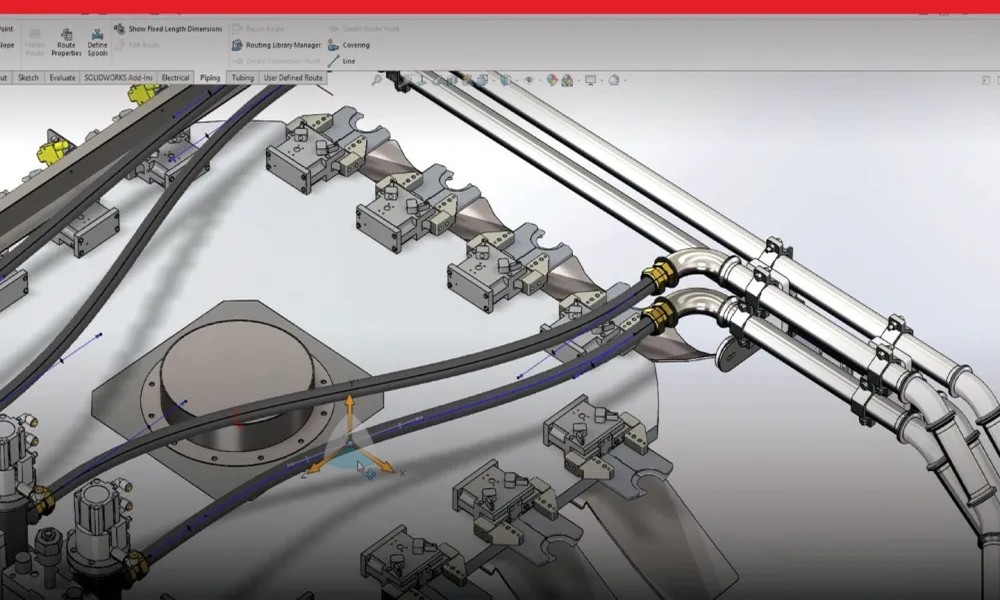
Once you’ve mastered the basics, taking your skills further with an advanced SolidWorks course can unlock powerful tools that elevate your design capabilities. These features go beyond simple modeling, helping engineers and designers handle complex projects with precision and efficiency. Here are ten key features you can expect to learn.
1. Advanced Part Modeling
In an advanced SolidWorks course, you’ll explore complex modeling techniques such as multi-body parts, lofts, sweeps, and boundary features. These tools allow you to create intricate geometries that are often required in real-world applications.
2. Surface Modeling
Surface modeling is essential for designing organic shapes and smooth contours. You’ll learn how to create and manipulate surfaces, then convert them into solid models for production-ready designs.
3. Large Assembly Management
Handling large assemblies efficiently is a critical skill. SolidWorks provides tools like lightweight components and speed optimization techniques to help you manage complex assemblies without slowing down your system.
4. SolidWorks Simulation
Simulation tools allow you to test your designs under real-world conditions. An advanced SolidWorks course teaches how to analyze stress, motion, and thermal behavior, reducing the need for physical prototypes.
5. Sheet Metal Design
You’ll learn how to design sheet metal components, including bends, flanges, and flat patterns. This feature is widely used in manufacturing and fabrication industries.
6. Weldments and Structural Design
SolidWorks includes tools for creating structural frameworks using weldments. This is particularly useful for industries that involve frames, supports, and large mechanical structures.
7. Design Automation
Automation features such as configurations and design tables help you create multiple variations of a model quickly. This saves time and ensures consistency across designs.
8. Product Data Management (PDM)
An advanced course introduces you to PDM systems, which help manage files, track revisions, and improve collaboration within teams. This is essential for maintaining organization in professional environments.
9. Rendering and Visualization
Creating realistic images of your designs is important for presentations and marketing. SolidWorks includes rendering tools that allow you to apply materials, lighting, and textures for high-quality visuals.
10. Advanced Drawings and Documentation
You’ll also refine your skills in creating detailed technical drawings, including complex annotations and bill of materials. Clear documentation is critical for manufacturing and communication.
Final Thoughts
An advanced SolidWorks course equips you with the tools needed to handle complex engineering challenges. By mastering these features, you can use SolidWorks more efficiently, improve design quality, and position yourself as a highly skilled professional in the industry.

Comments are closed.